 By Lauren Holland
Updated November 2026
A magsafe compatible power bank snaps to the back of your iPhone and charges it wirelessly, without a cable. To get one that actually works, you need to confirm the magnet ring, check the wireless output and make sure the battery is large enough for your day. This guide walks through each check so you can pick the right model and use it without surprises.
Step 1: Confirm the Magnet Ring Matches Your Phone
True MagSafe charging depends on a ring of magnets that lines up with the coil inside your iPhone. Many power banks use magnets that hold the phone but do not carry full MagSafe charging. Look for the MagSafe name or the Qi2 certification on the packaging, since Qi2 uses the same magnetic alignment standard. Check that the product explicitly lists iPhone 12 or newer compatibility, because older models lack the magnet ring.
Shopping for one? See our guide: 6 Best Jackery Power Bank 20000 mAh Options for Travel and Everyday Use (2026).
Step 2: Check the Wireless Output Wattage
Wireless output is usually lower than wired output. Manufacturers often specify up to 15W for iPhone charging, while some models list lower figures for older phones. A 15W rating will charge an iPhone faster than a 5W pad, but it will still be slower than a wired USB-C cable. If you plan to use the bank to charge other devices through its USB-C port, check that output separately.
Step 3: Match Capacity to How You Use Your Phone
Battery capacity is listed in milliamp-hours (mAh), and the usable charge is lower than the rated figure because of conversion losses. A bank with a rating in the 5000 to 10000 mAh range typically gives one or two partial top-ups for a modern iPhone. Larger banks suit travel days when you have no outlet. A compact, lighter model is more comfortable to carry in a pocket and clips to the phone without adding much weight.
Step 4: Align the Phone and Test the Connection
Place the bank on the center of the phone’s back and wait for the charging indicator on your screen. If the connection drops, check that the phone case is not thick or metal, since many cases block the magnets. Some manufacturers specify a maximum case thickness, so read that limit before you buy. If the bank still will not hold, try removing the case or a magnetic wallet that may be interfering.
Common Mistakes to Avoid
- Buying a magnetic bank without a MagSafe or Qi2 label and expecting full wireless speed.
- Using a thick case, metal plate or card wallet that weakens the magnetic hold.
- Ignoring heat. Wireless charging produces more heat than a cable, so avoid direct sun and soft bedding.
- Assuming the rated mAh equals usable charge. Plan for roughly two-thirds of the stated capacity.
- Leaving the bank charging on a desk all night when it is not needed, which can wear the battery faster.
Recommended Gear
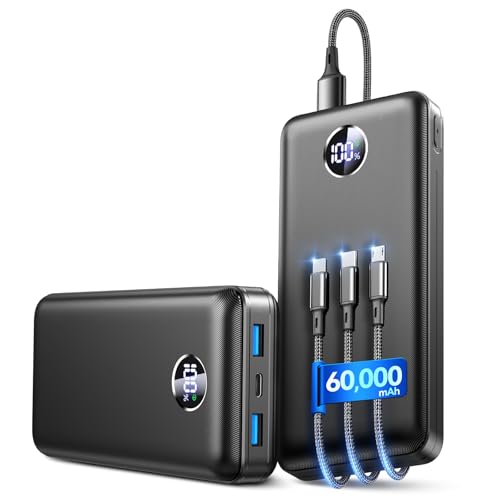
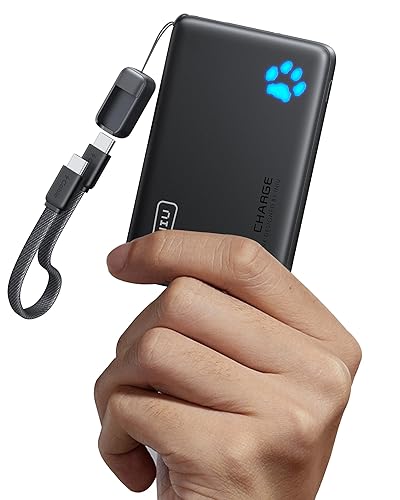
A slim, Qi2-certified power bank with a MagSafe ring is the most reliable choice for daily carry. View on Amazon is a widely sold option that many iPhone owners use with standard cases.
A thin, MagSafe-compatible case keeps the magnets aligned without blocking the connection. View on Amazon lets you keep the bank attached on the go.
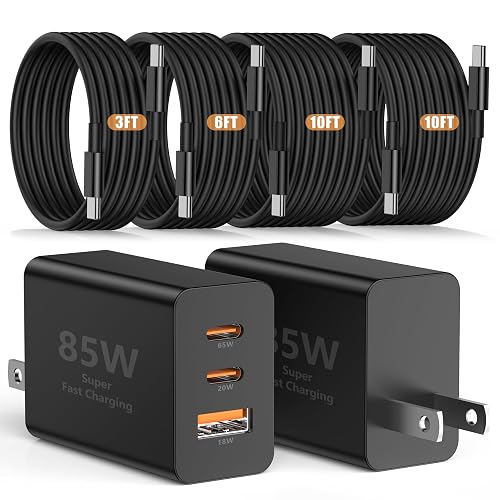
A short USB-C to USB-C cable is useful for wired charging through the bank’s port. View on Amazon fits most banks and charges quickly.
For background on how these banks compare with other charger types, see USB-C Chargers, Power Banks and Wireless Chargers Explained. If you want a closer look at a popular model, Anker MagSafe Power Bank: Setup, Charging Tips and What to Buy (2026) covers setup in more detail. For capacity planning, How to Choose a Power Bank: Capacity and Key Features is a helpful companion read.
FAQ
Does a MagSafe compatible power bank work with Android phones?
Many magnetic banks are built for iPhone, but some Android phones support Qi wireless charging. Check the product page for compatibility with your specific model before you buy.
Can I use a MagSafe power bank while the phone is in a case?
Yes, if the case is thin and does not contain metal. Thick or metal-backed cases often weaken the magnetic connection. You may also like Anker Power Bank Portable: How to Choose and Use One (2026).
Will charging wirelessly damage my battery?
Normal wireless charging is safe, but heat shortens battery life over time. Remove the case if the phone gets warm, and avoid charging in hot environments. For health or safety concerns about your device, consult the manufacturer or a qualified technician.
Conclusion
A magsafe compatible power bank is most useful when the magnets, wattage and capacity all match your phone and habits. Confirm the MagSafe or Qi2 label, check the wireless output and size the battery to your day. With those three checks done, you will get reliable top-ups without cables.
Related reading
- Anker Nano MagSafe Power Bank: Setup, Charging Tips and Troubleshooting
- Top 7 Personalized Power Bank Chargers Worth Considering in 2026
Ready to choose one?
About Lauren Holland
Lauren Holland is part of our editorial team and reviews and edits our consumer tech how-to & troubleshooting guides, checking product details against manufacturer specifications and owner feedback.